
Shoes
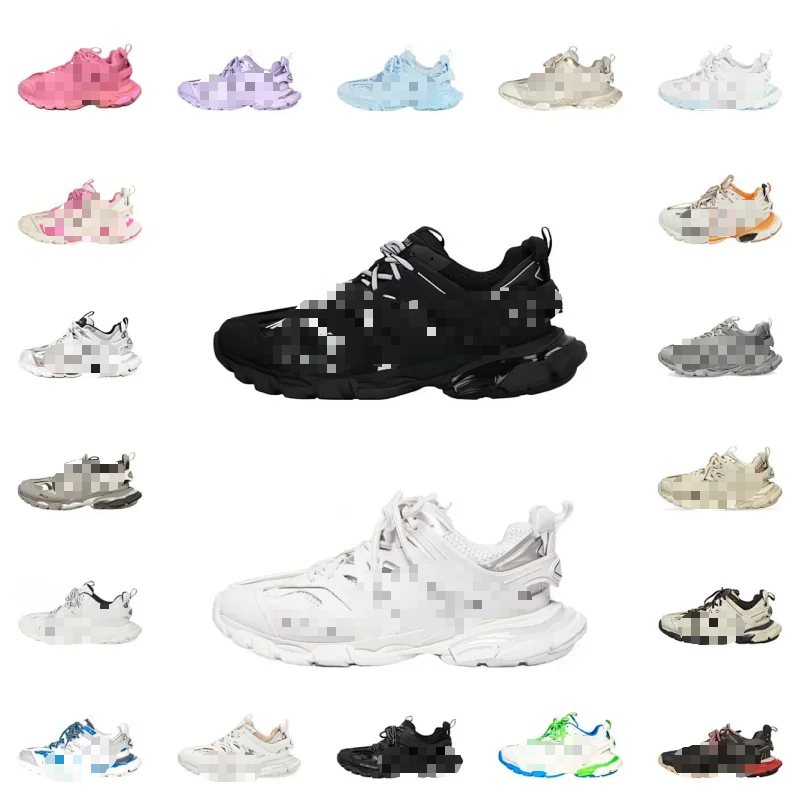
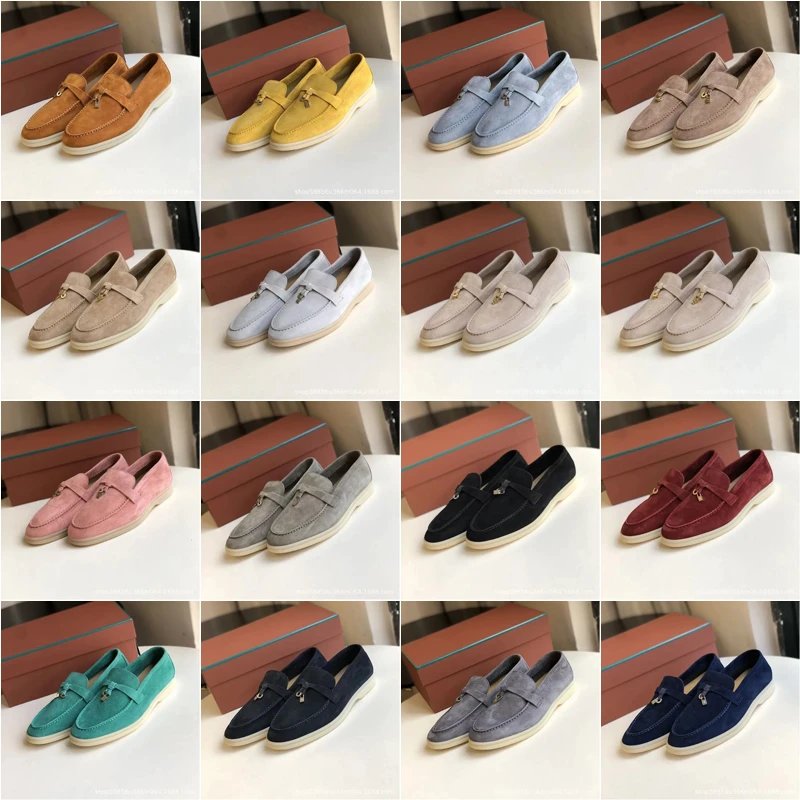
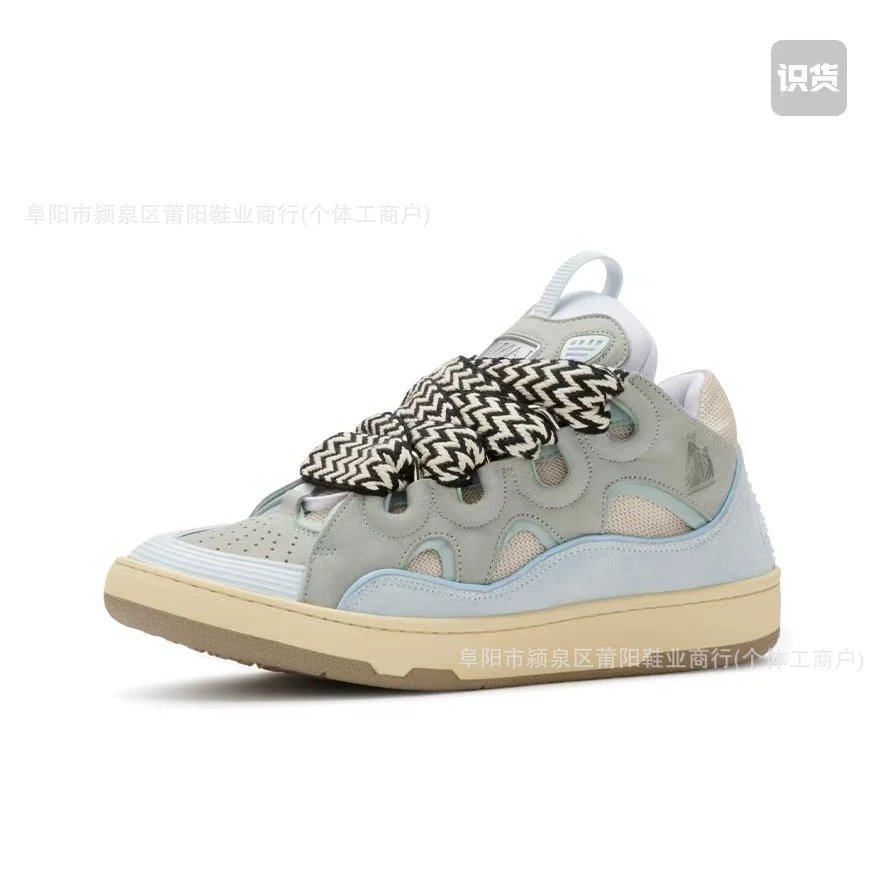
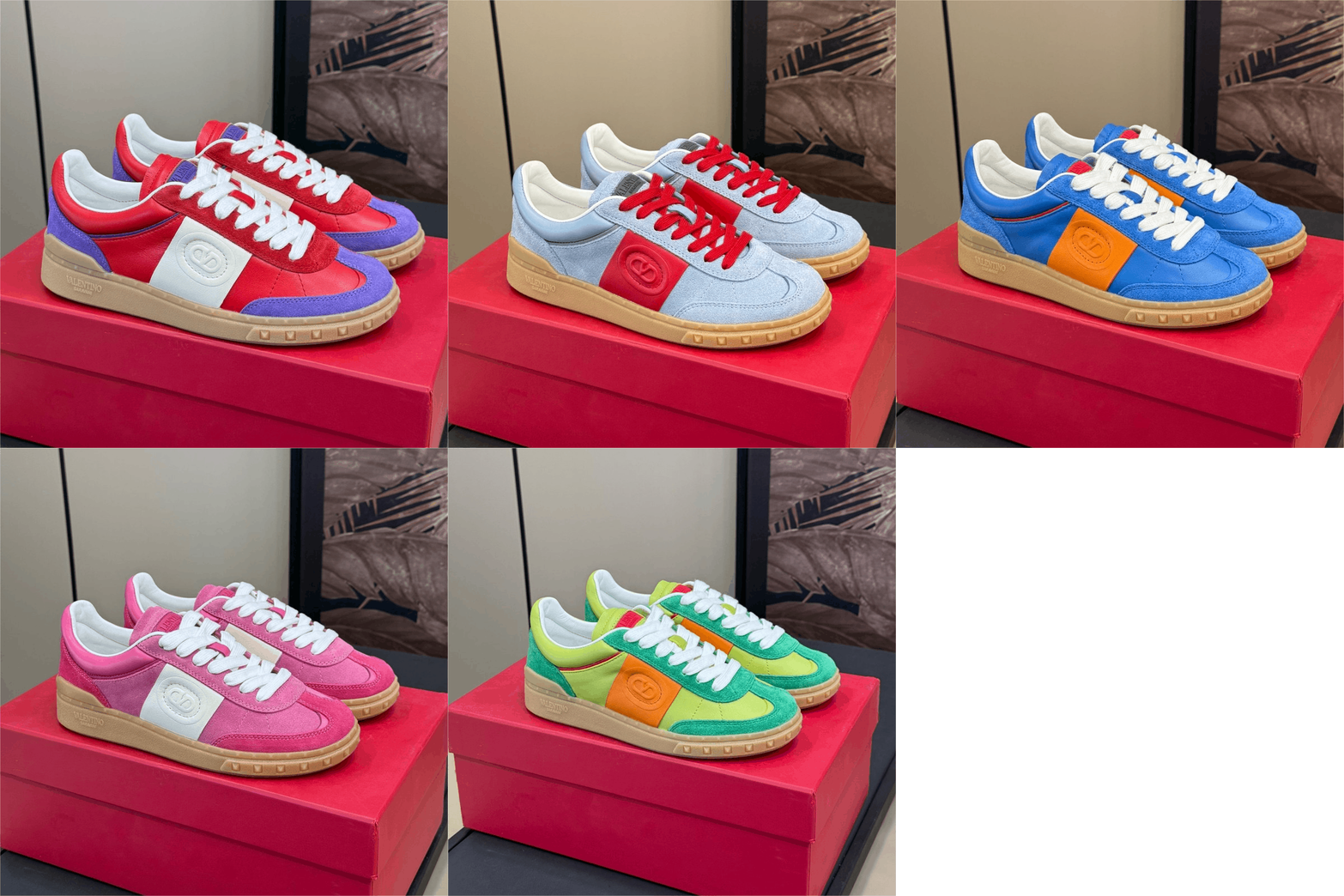
Explore runners, court shoes and casual footwear. Open individual finds for more angles, pictured styles and any available QC photos.
Start with a photo. Stay for the details.
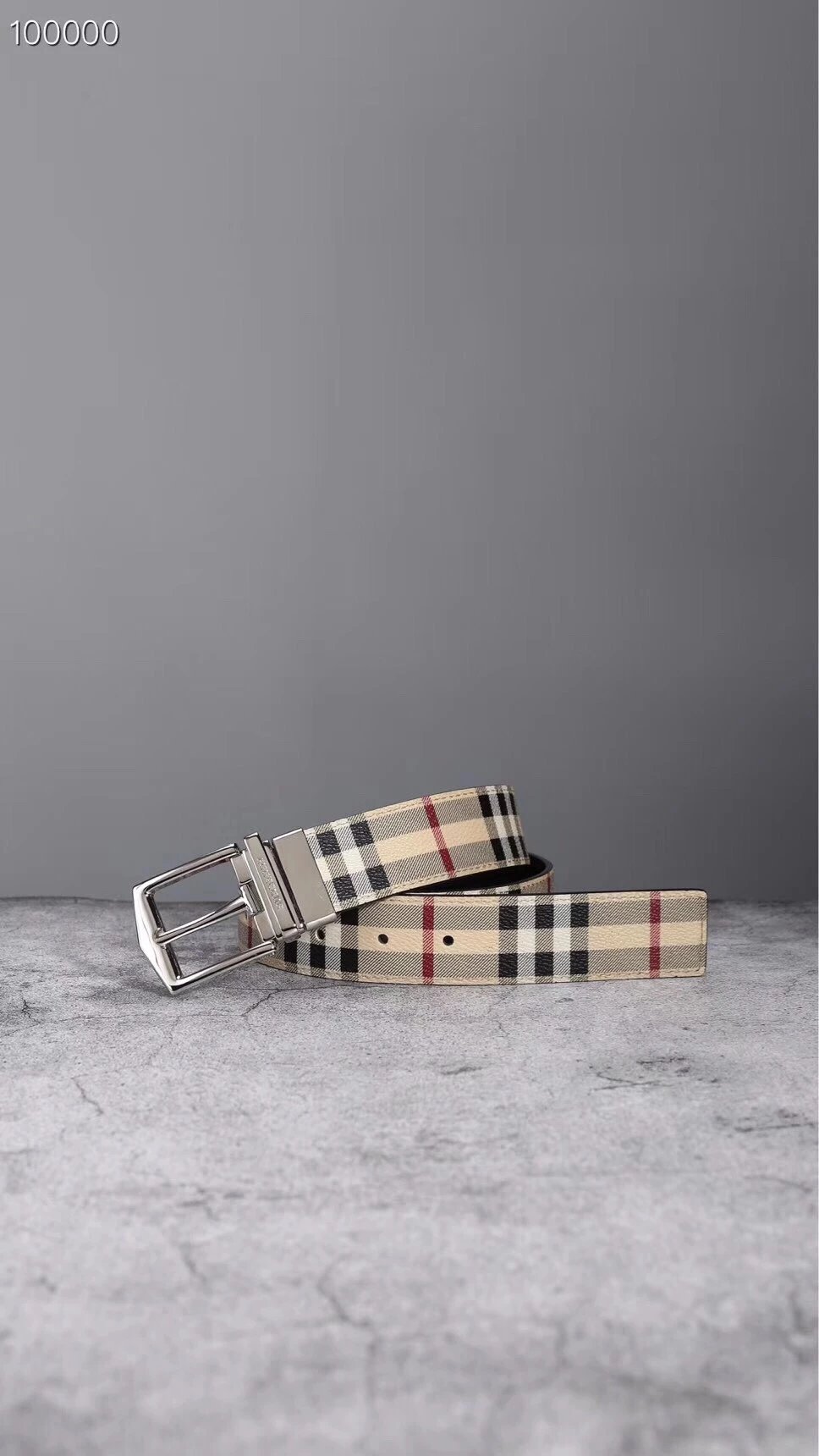
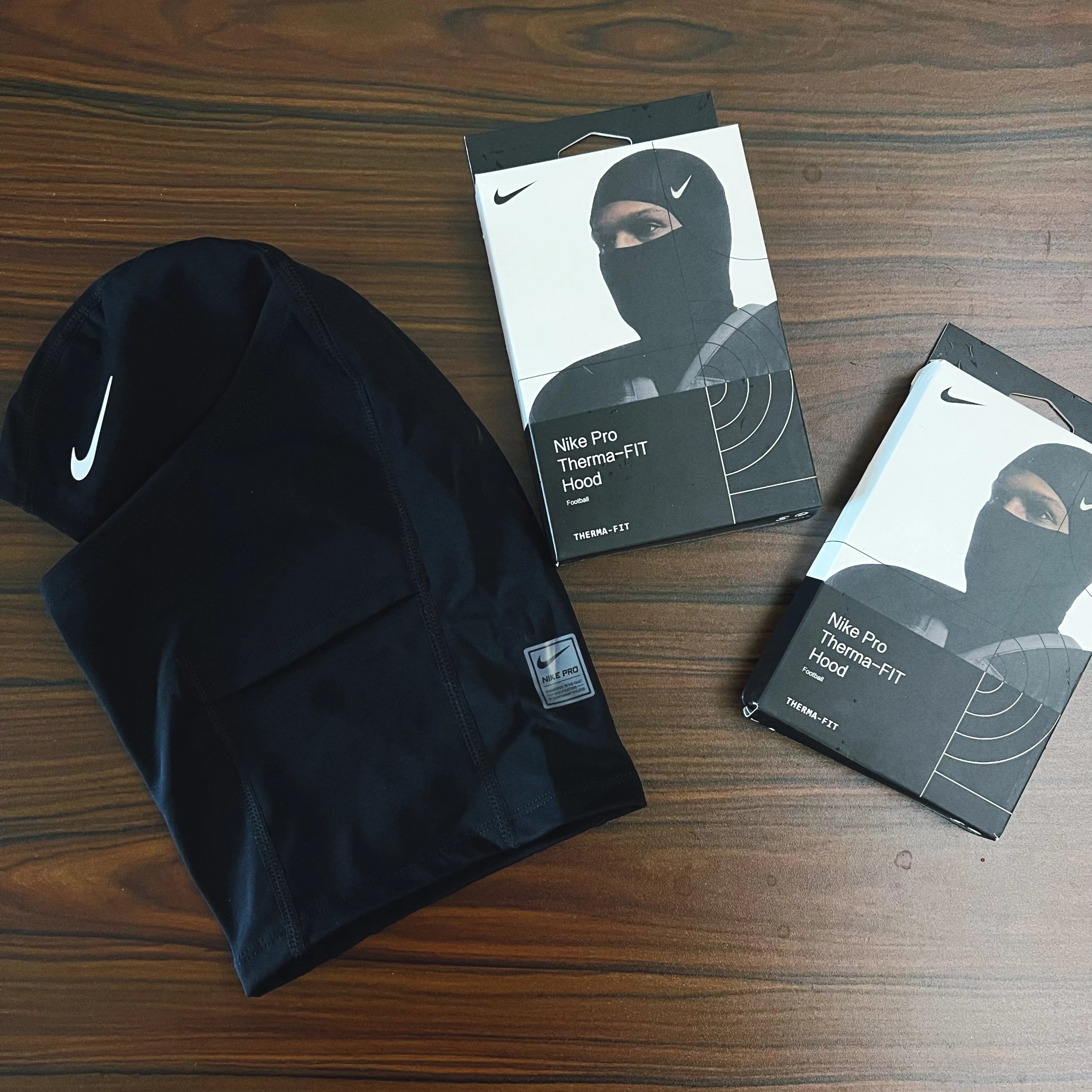
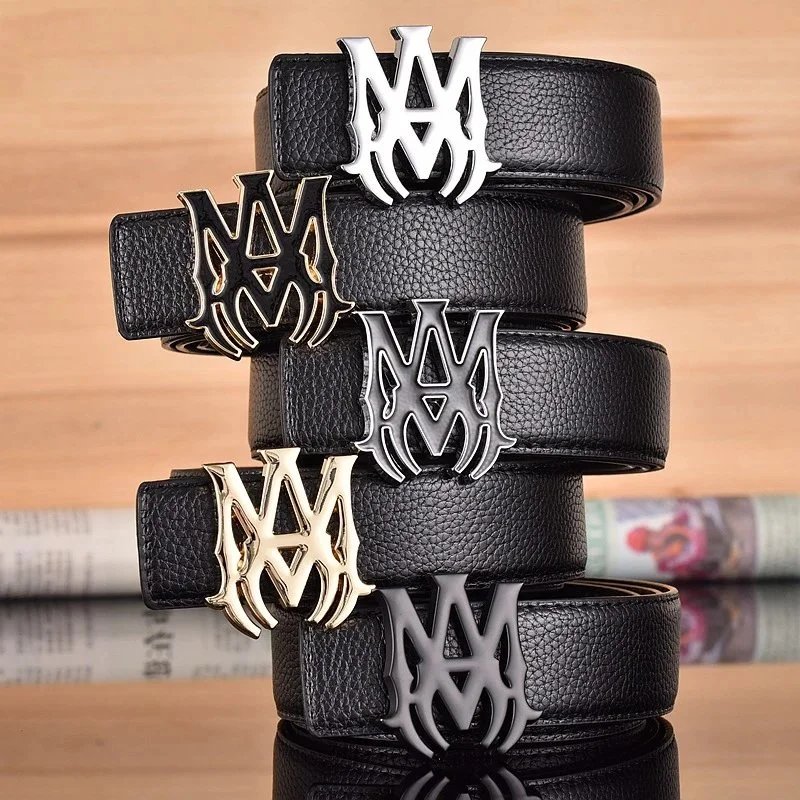
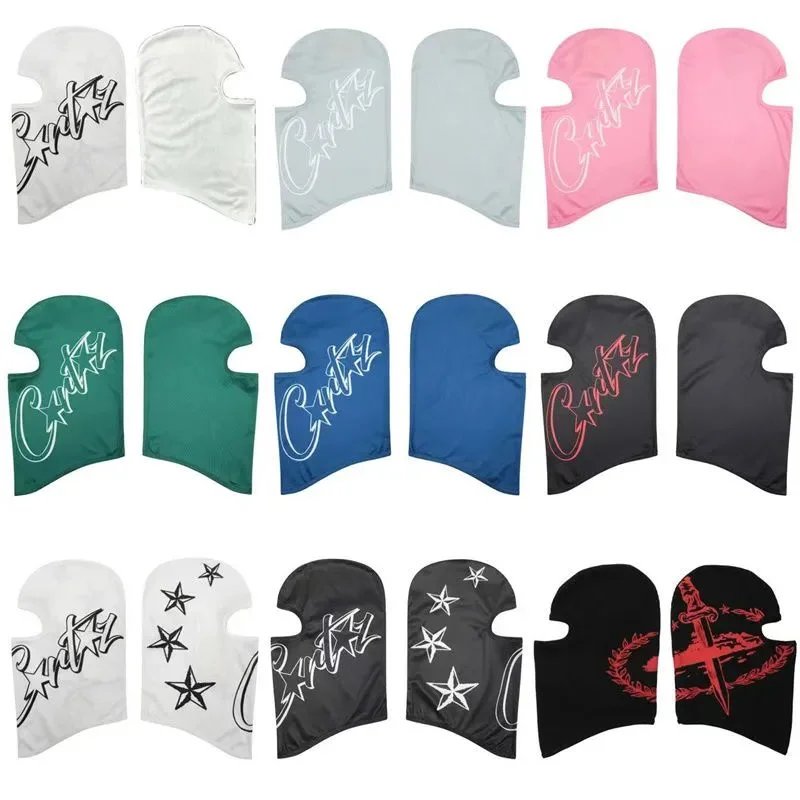
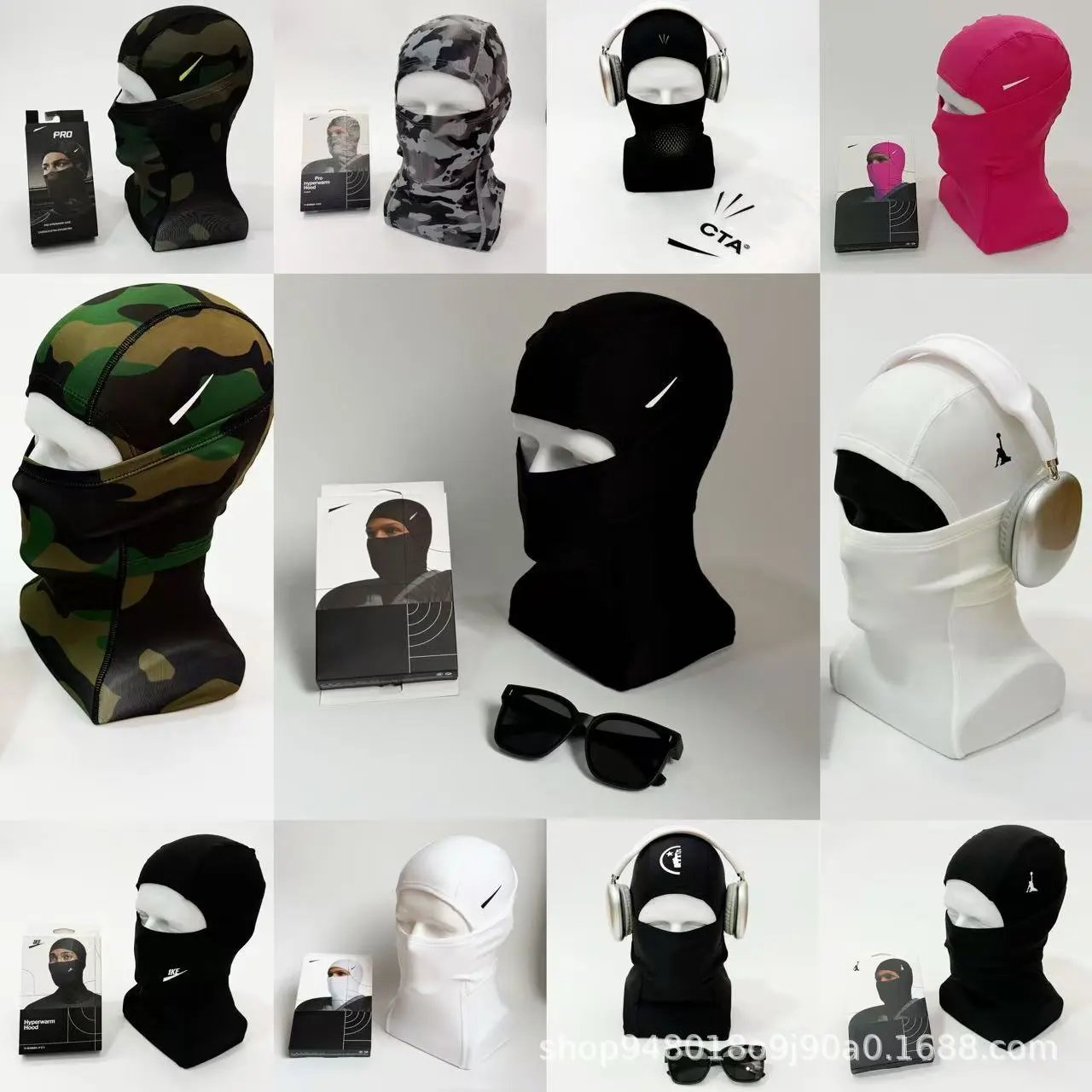
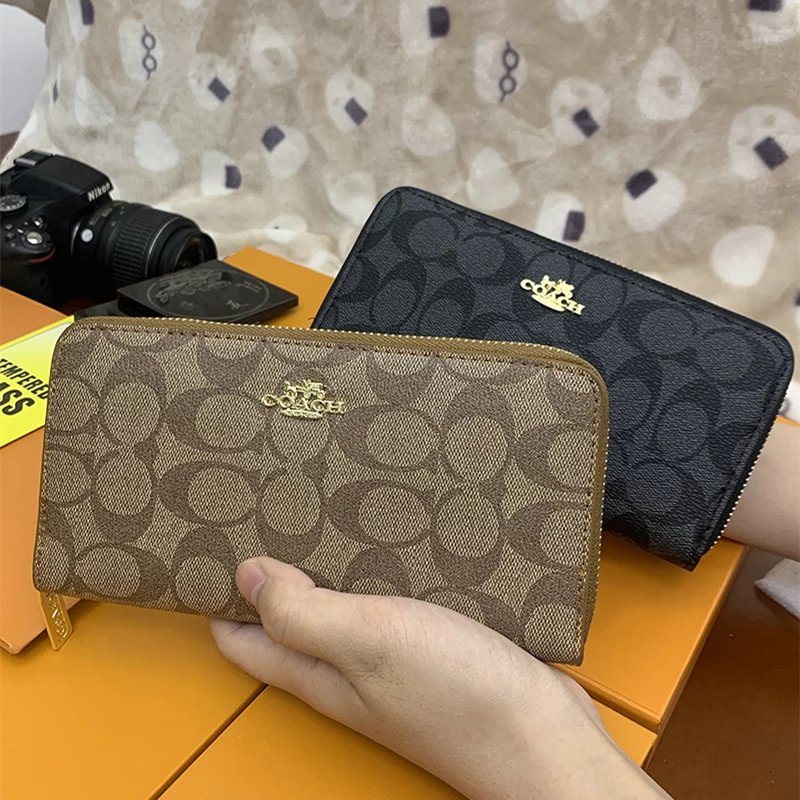
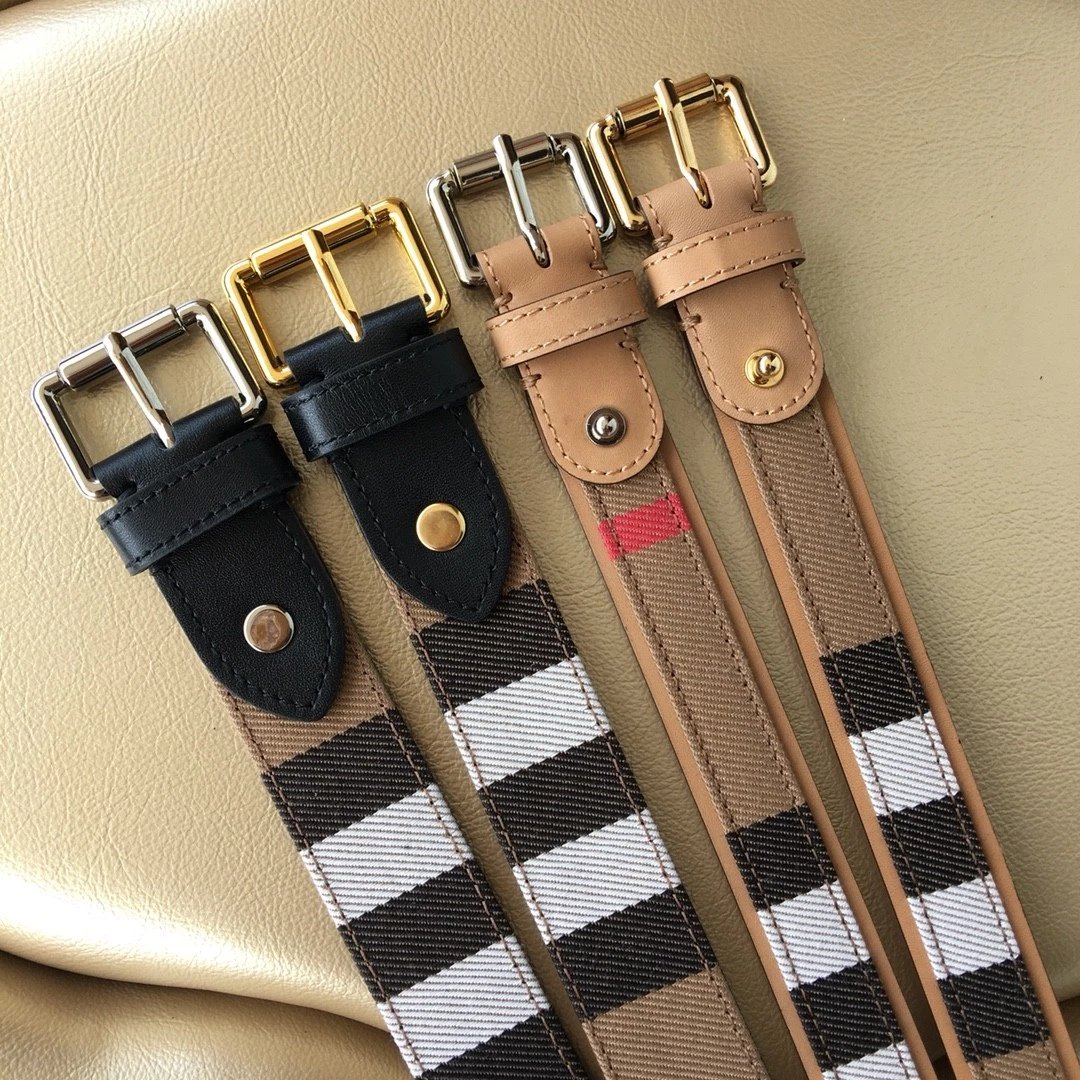
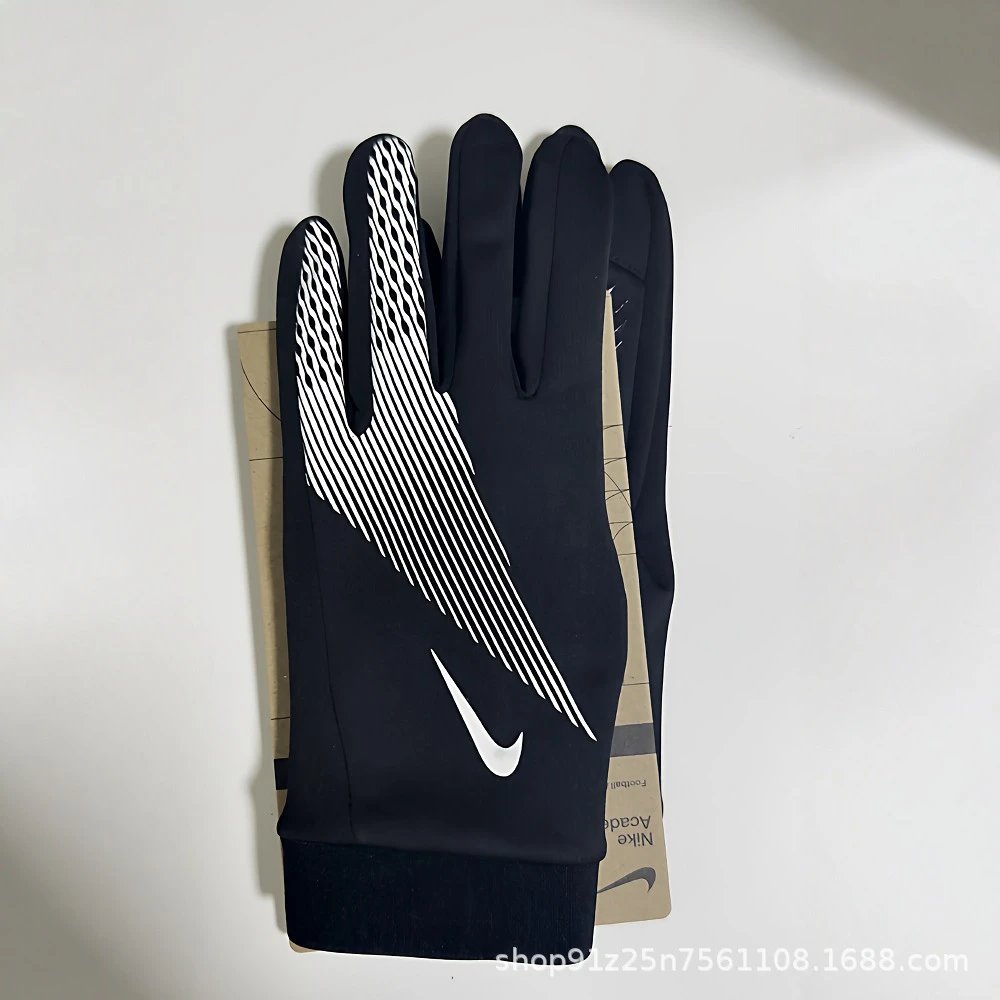
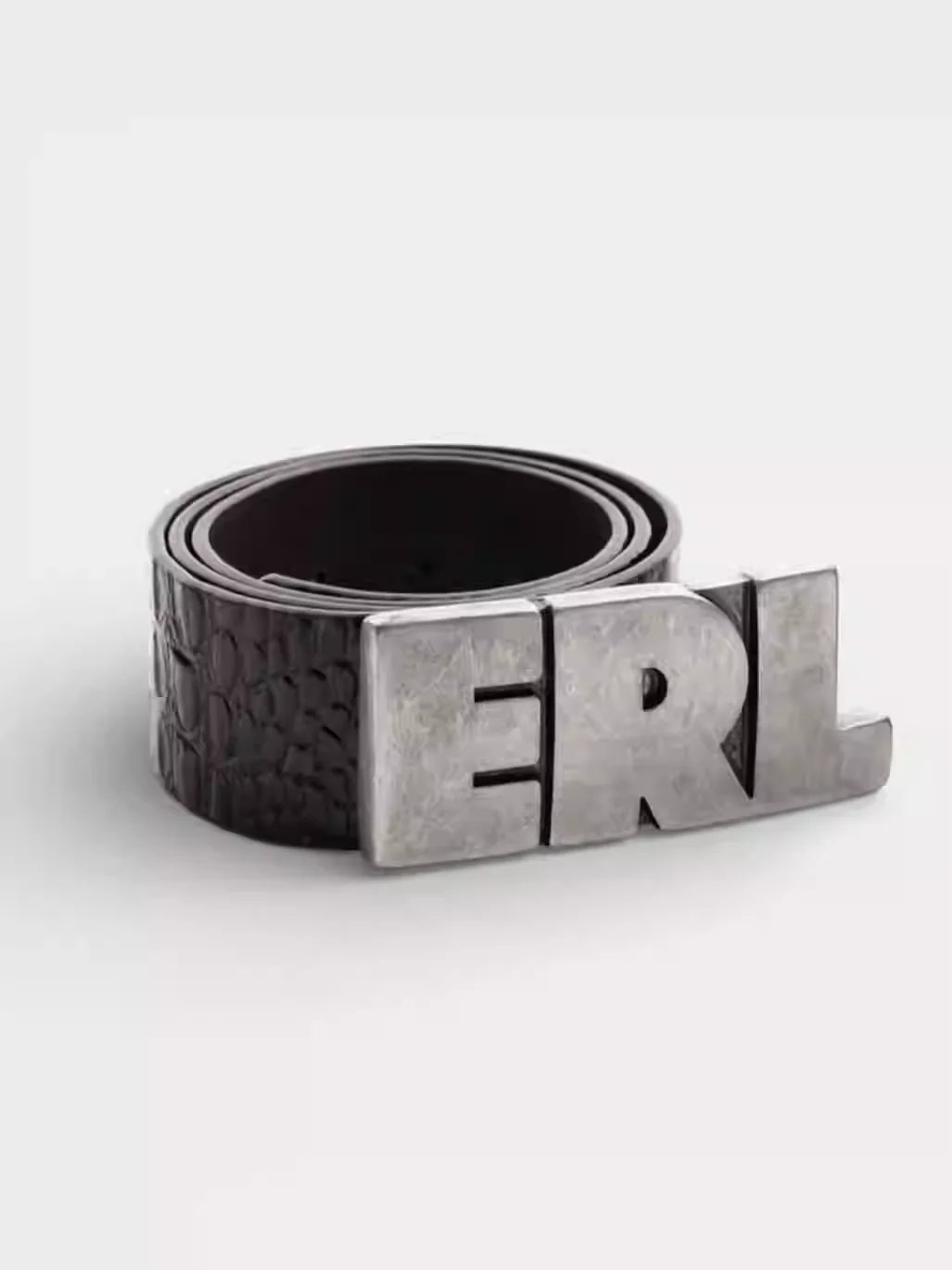
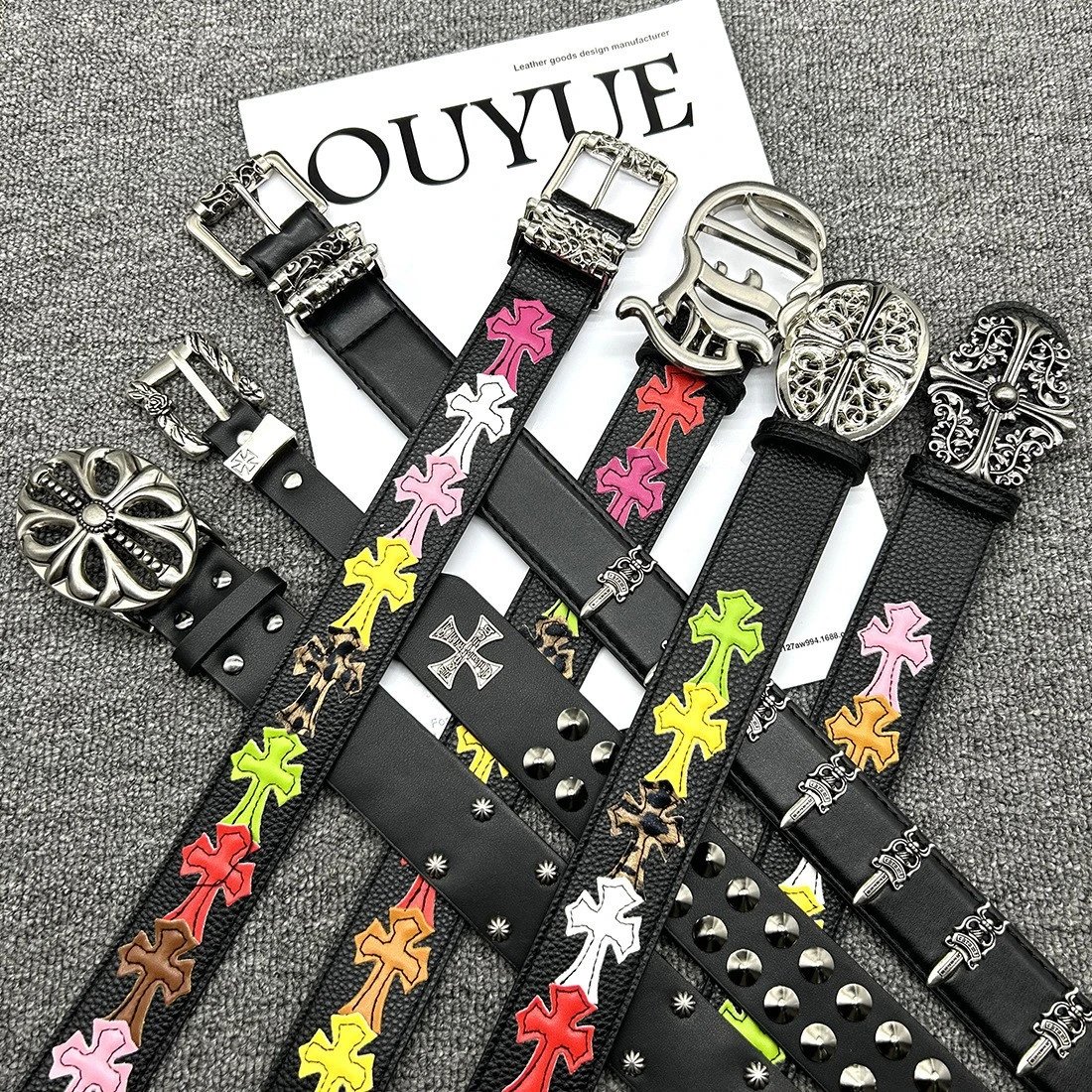
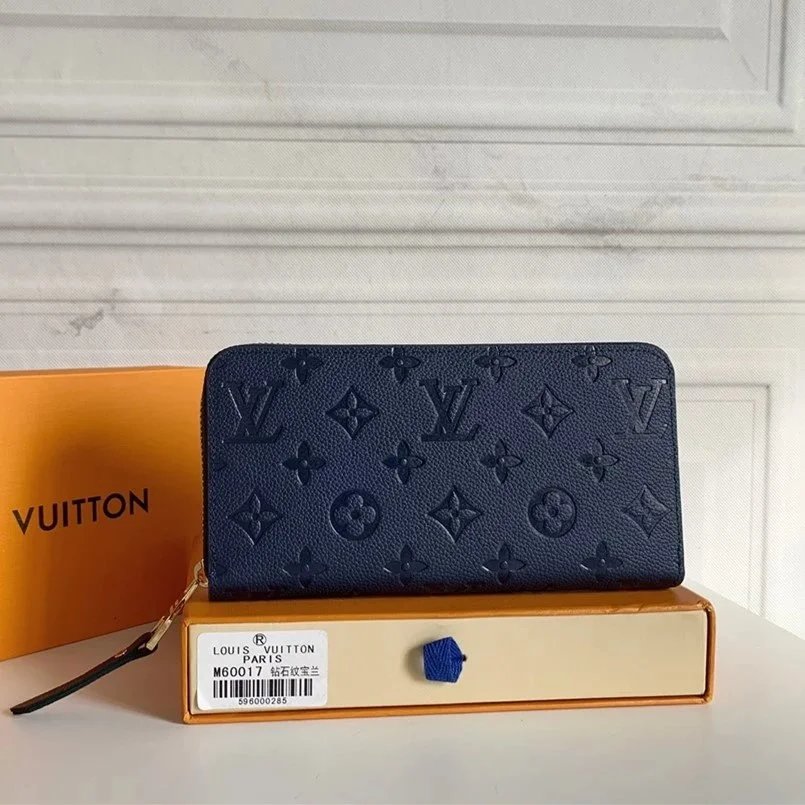
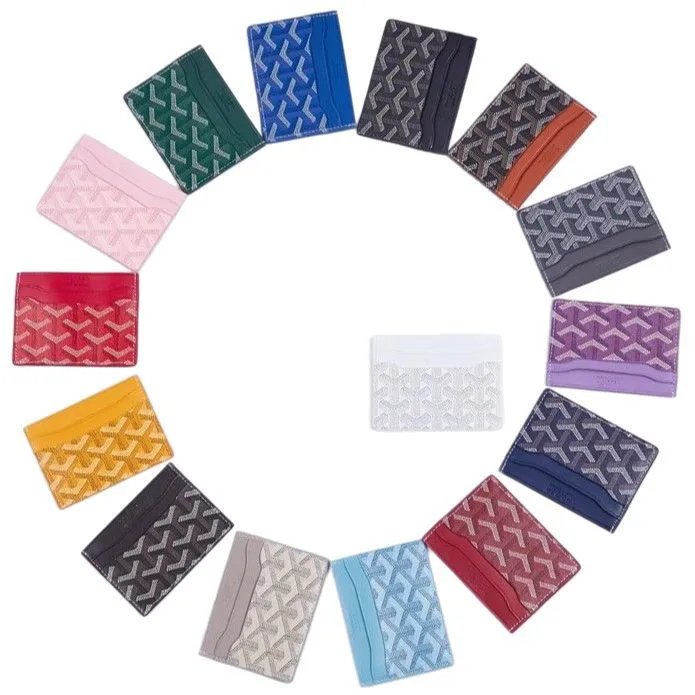
The VigorBuy spreadsheet is a place to look through product photos, narrow down a name or category, and inspect individual finds. Shoes, tops, bottoms, outerwear, sets, underwear, accessories, electronics and other everyday items have their own lists, with bags among the accessory subcategories.
Explore runners, court shoes and casual footwear. Open individual finds for more angles, pictured styles and any available QC photos.
Find tees, shirts, sweatshirts and knitwear. Follow a specific subcategory when you want a more focused list.
Trousers, shorts and jeans in one department. Product photos help compare cuts; check the source listing for measurements.
Browse light jackets and heavier outer layers. Compare front, back and available detail photos before opening the VigorBuy link.
Explore coordinated clothing and sports sets. Check the source product page to confirm which pieces the listing includes.
Browse base layers and underwear. Review the listed quantity and materials on the product source before ordering.
Hats, belts, jewellery and smaller additions. Use the subcategory links to move from a broad list to a specific item type.
Explore audio, devices and other electronics. Verify model details and included components on the source listing.
Find everyday objects beyond the main clothing departments. Open a listing to inspect its pictures and exact contents.
It is a directory of product links presented as a searchable photo list. You can browse categories, read a product name and inspect photos before opening its matching VigorBuy page.
Search the name on the homepage or Spreadsheet page. Choose a brand or department to narrow the results; image search is useful when you only have a reference photo.
Open the category directory, expand Shoes or Tops, then choose Sneakers or Hoodies. These are focused lists with their own product pages.
Yes. Bags, accessories and other everyday finds have dedicated departments alongside tops, bottoms, outerwear, sets and underwear.
Product photos show the listing, while QC photos show available inspection images. View either at full size to compare details; a product may have no QC photos.
No. Photos document the pictured item and visible details. They do not certify authenticity or guarantee that a future order will be identical.
They preview a pictured style in the main gallery. They do not select an order size or final variant; make those selections on VigorBuy.
US dollars are the default reference currency. You can switch currencies using the header menu; the current price and available options must be checked on VigorBuy.
Upload, drop or paste a reference image. The results show visual matches from the product list; open a match to inspect its title and photos rather than assuming it is identical.
On the Spreadsheet page, choose Compact for a denser list or Large photos for a closer look. Your search, sorting and category selection remain in place.
You leave this directory for the matching source product on VigorBuy. Confirm the item, available size, price and purchasing options there. Referral information is included in the link.
No. VigorBuy Lists is an independent product discovery website. Registration and product links may earn a referral commission; orders and account services are handled by VigorBuy.